Capture Ideas Effortlessly
Simple, fast, private. Everything you need to capture and organize your thoughts.
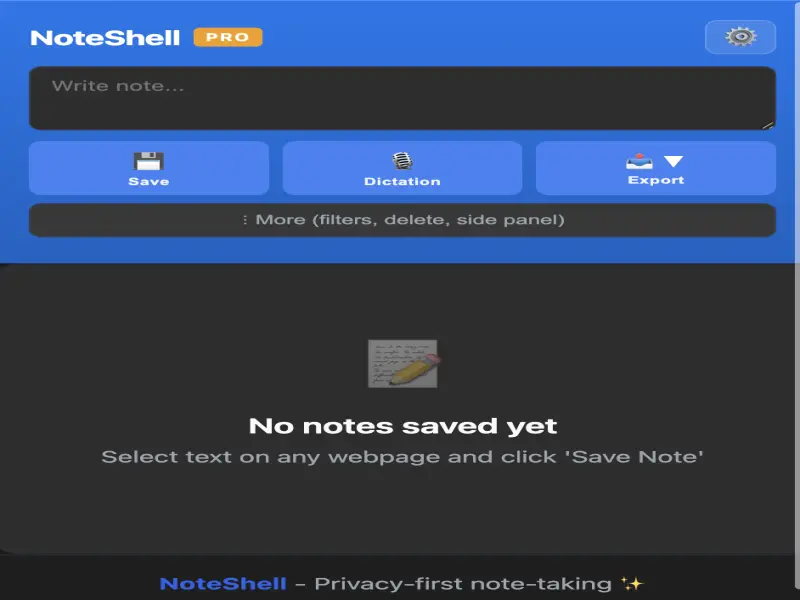
Popup
Capture notes instantly from the popup
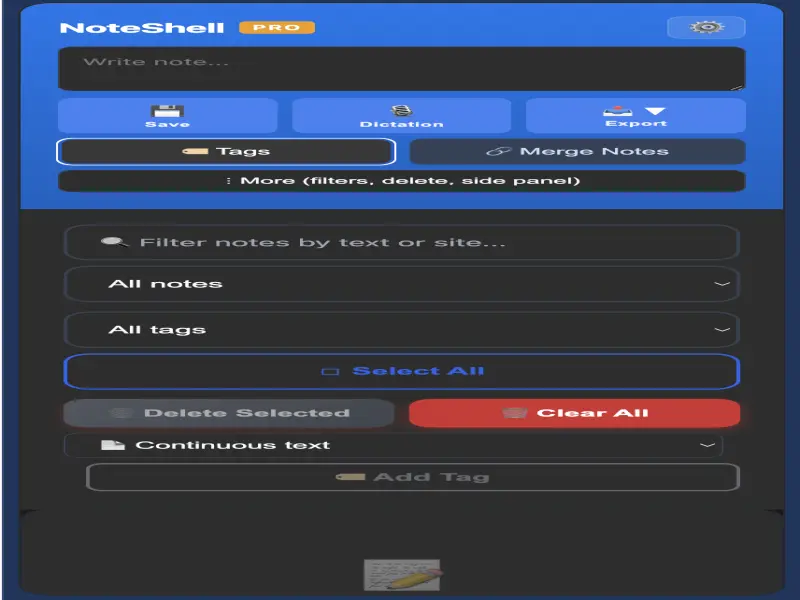
Side Panel
Work with the side panel always open
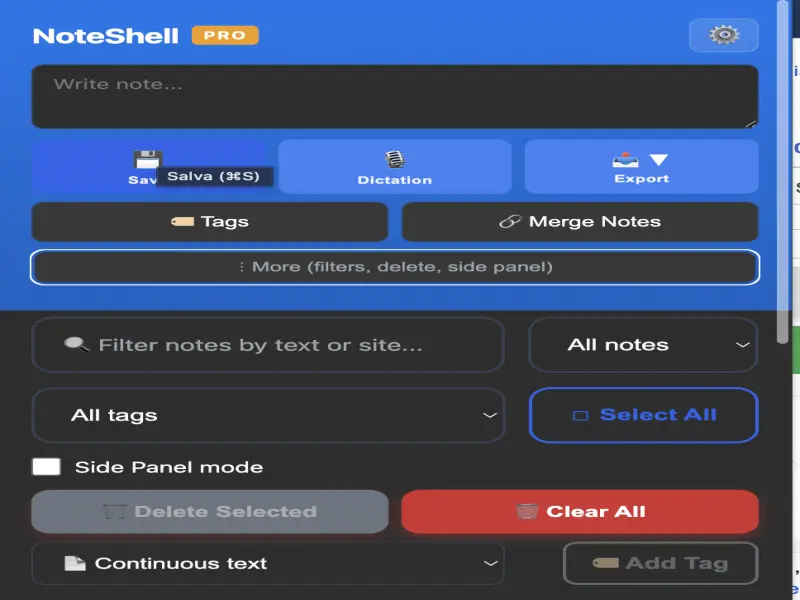
Dark Mode
Dark interface for working in any condition
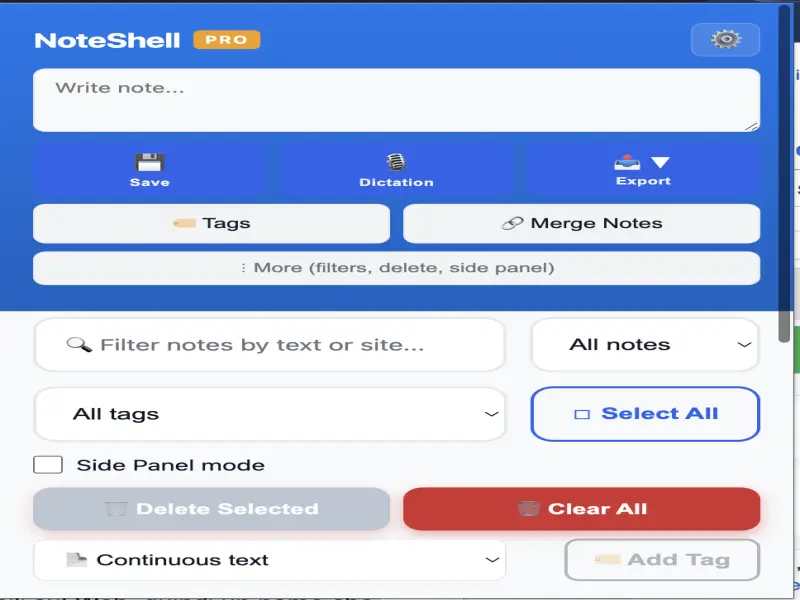
Light Mode
Clean and minimal light interface
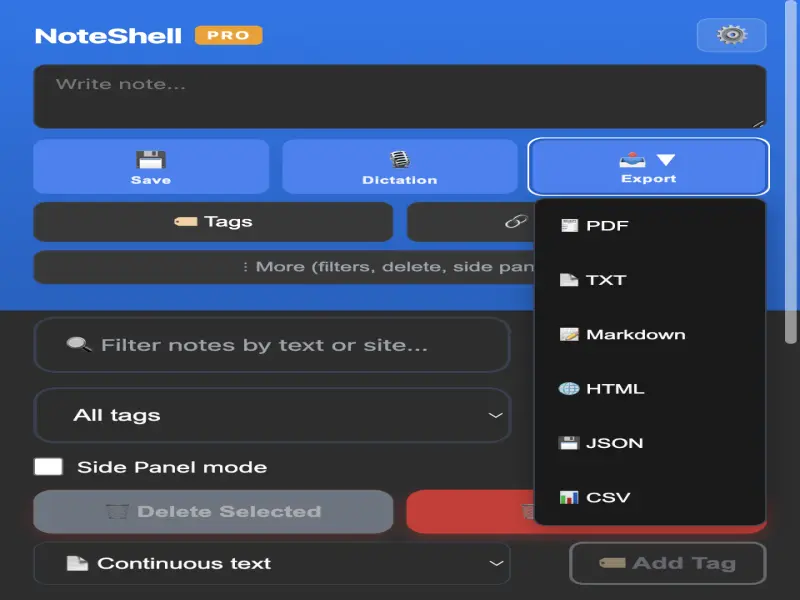
6 Export Formats
TXT, MD, JSON, HTML, CSV, PDF — export your way
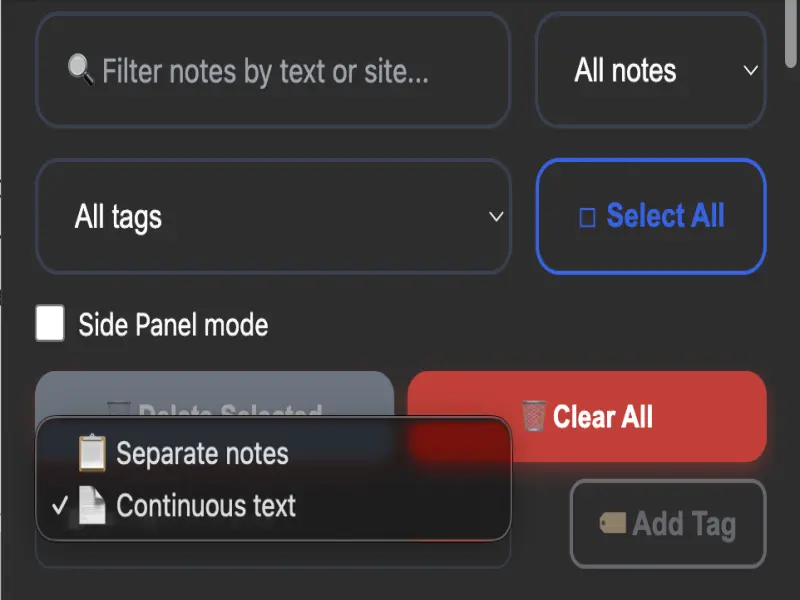
Separate Notes or Continuous Text
Choose your saving style
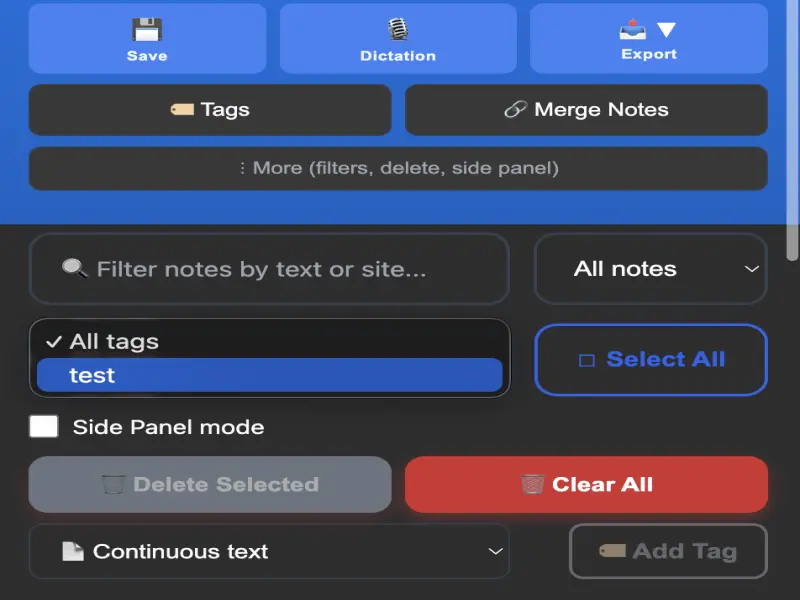
Search by Tag
Find notes with your custom tags
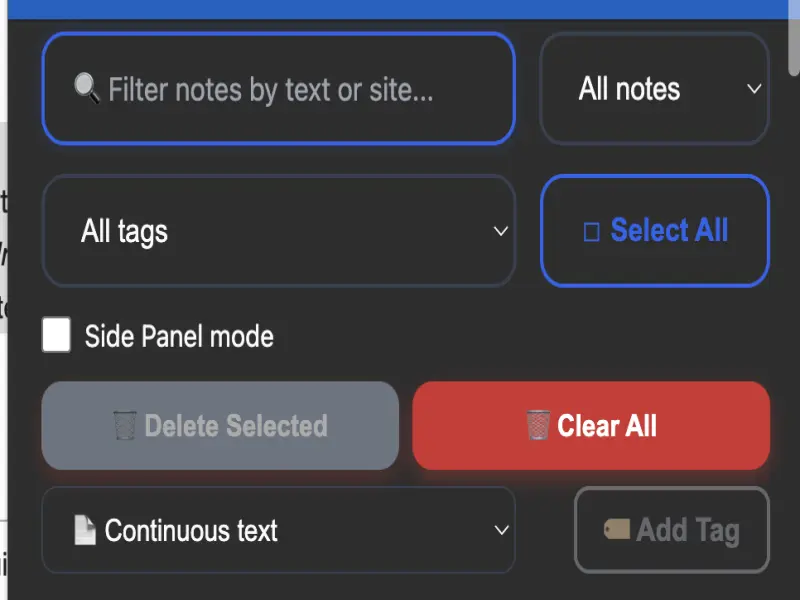
Search by Filters
Filter by date, type or keyword
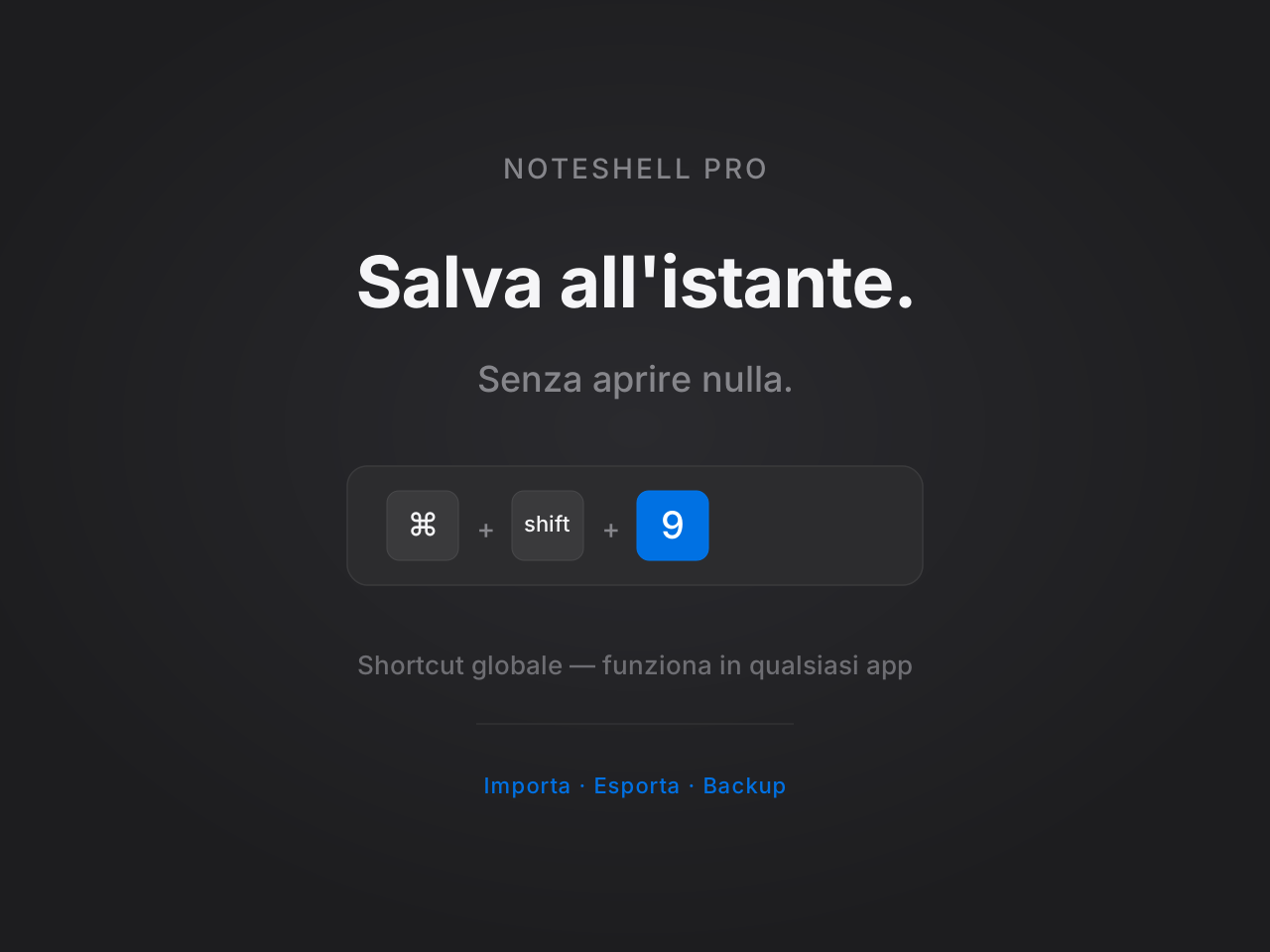
Import, Export, Backup
Save notes with an instant keyboard shortcut
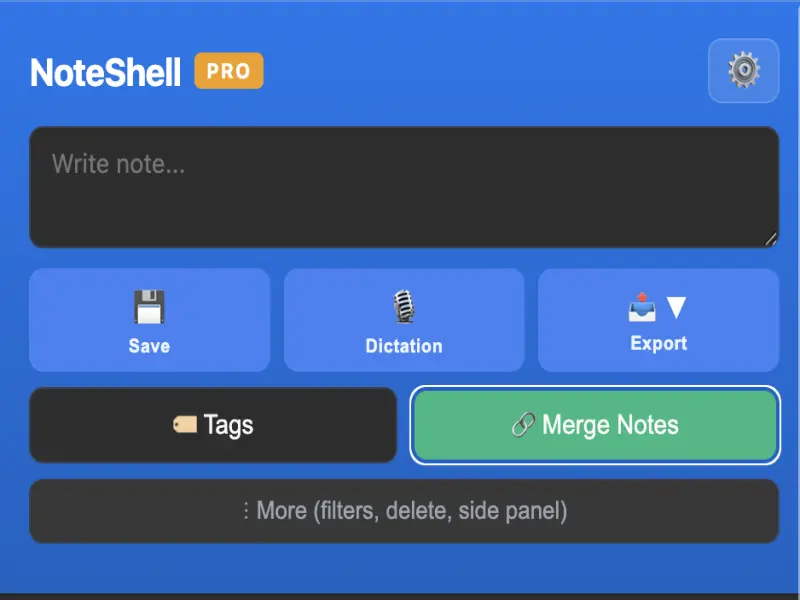
Unified Notes
All notes in a single container
Everything You Need
Powerful features designed for privacy-conscious professionals.
Intelligent Dictation
Transform voice into text with one click. With a single voice command Copy & Go saves the note and opens your mail client with the text already filled in.
One-Click Save
Save any highlighted text or screenshot to your notes instantly
Secure Archiving
Organize your notes with ease. Once saved, every note is locked into your local database, ready to be viewed or exported whenever you need.
Quick Shortcuts
Save your notes without interrupting your workflow. Use Ctrl+Shift+9 or Cmd+Shift+9 to capture notes instantly.
Universal Export
Keep control of your data. Export your notes in 6 professional formats: TXT, HTML, PDF, JSON, CSV and Markdown (MD).
Local Backup
Your data stays on your device — full backup anytime
Powerful Search
Find any note instantly with full-text search
100% Private
No cloud, no tracking, no data collection. Ever.
Unified Notes
Enable Unified Notes mode to collect all your notes in a single organised container, always accessible.
Try It Free for 7 Days
No credit card required. Cancel anytime. After trial: €6,99 one-time, yours forever.
Frequently Asked Questions
Everything you need to know about NoteShell PRO.
Absolutely. NoteShell PRO stores all your notes locally on your device. There is no cloud sync, no data collection, and no tracking. Your notes are 100% yours — nobody, not even us, can access them.
The free trial gives you full access to all NoteShell PRO features for 7 days. No credit card required. After the trial period, you can purchase a lifetime license for €6,99 — one-time payment, no subscriptions.
After your 7-day free trial, pay €6,99 once and you own NoteShell PRO forever. No recurring fees, no subscriptions. You'll receive a license key to unlock all features permanently.
Yes! You can export all your notes anytime in multiple formats (TXT, Markdown, JSON). Your backups are stored locally on your device — you control where they go.
If the shortcut doesn't work, go to Chrome Extensions > Keyboard shortcuts. Find NoteShell PRO and manually type Ctrl+Shift+9 (Win) or Cmd+Shift+9 (Mac) to activate it.
We're here to help! Email us at daniele120578@gmail.com and we'll get back to you as soon as possible.